Pocket ID 1.0.1 is nearly done, and it is the update we have wanted to write about since the beta. The whole point of the app is that you photograph a card and it fills itself in. For a year, that part was the weakest part. In 1.0.1 it stops being.
Two things change. The scanner that reads a card gets replaced wholesale, and barcodes — the ones on the back of a loyalty card, a membership card, a boarding pass — finally scan instead of sitting there as a photo you cannot use.
The old scanner was OCR, and OCR was guessing
The first scanner ran plain optical character recognition over whatever the camera saw. It read the pixels, matched shapes to letters, and handed back its best guess. On a crisp black-on-white document in good light, it was fine. On an actual ID card — embossed numbers, a hologram over the text, a coloured background, glare from the one light in the room — it was not.
We measured it honestly, and the number was 35%. Roughly one field in three came back right. The other two you retyped, which meant the fastest way to add a card was to ignore the scanner and type the whole thing yourself. A scan feature that people route around is not a feature.
A scanner that is right a third of the time is slower than no scanner, because you still have to check every field it touched.
The new scanner reads at 87%
1.0.1 replaces OCR with a scanner built for documents specifically — it knows what a card is, not just what letters look like. It understands the layout of the thing in front of it, expects fields where fields belong, and is far harder to throw off with glare, angle and background than a general text reader ever was.
On the same test set that scored the old one at 35%, the new scanner lands at 87%. That is the difference between a feature you avoid and a feature you reach for first. You still get a review screen before anything saves — the app does not silently trust a scan, and neither should you — but now the review is a glance instead of a re-type.
Barcodes work now
The other headline is smaller to describe and just as useful. A lot of what people put in Pocket ID has a barcode or a QR code on it — a membership card, a transit pass, a loyalty card, the code someone scans at a door. Until now the app stored the picture of that code but could not read it, so you held your phone up to a scanner and hoped the photo was sharp enough.
1.0.1 reads the code itself. It captures the actual value behind the barcode or QR, so the card carries the data and not just a snapshot of it — and it renders back crisply on screen when something needs to scan it. Photos of barcodes were always the weakest cards in the vault. They stop being a photo.
When
Soon. It goes to Android first, the way our releases usually do — the loop is faster and the first days after a release are when the real edge cases show up — and iOS follows once that is quiet. If you already have Pocket ID, 1.0.1 arrives as an update; nothing in your vault changes and nothing moves off your phone.
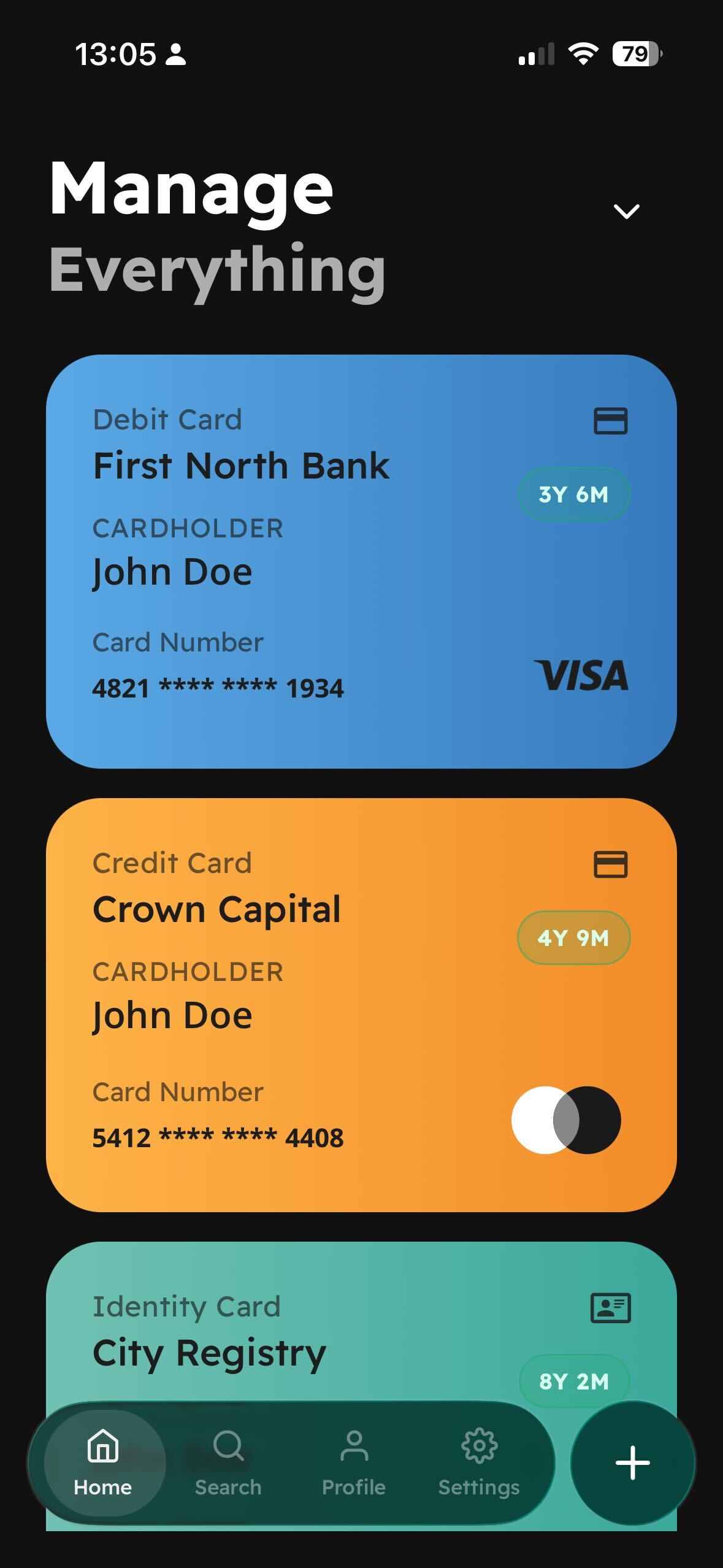
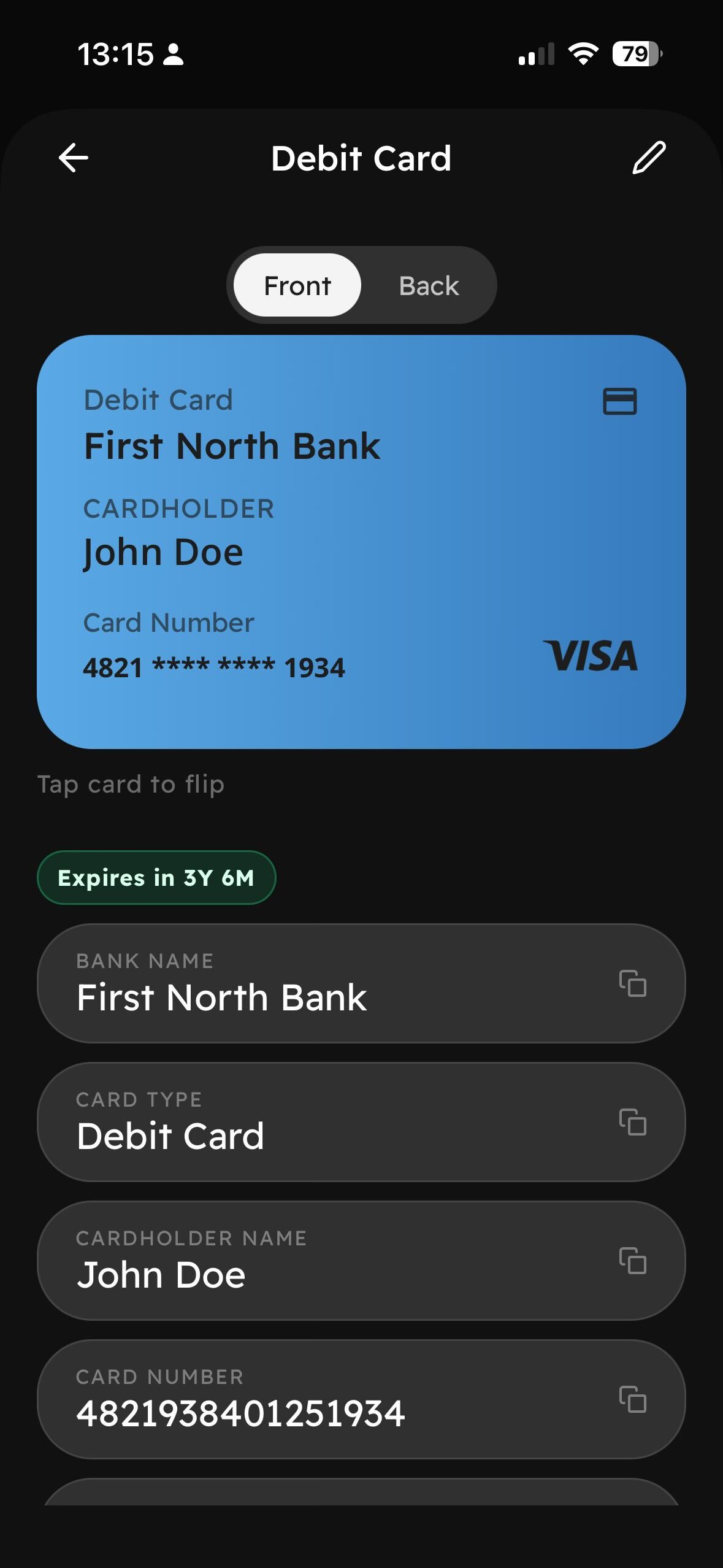
Everything else about the app is where you left it. Documents in one place, an expiry countdown on every card, front and back, copy any field, cloud sync still off until you turn it on. 1.0.1 does not add screens. It fixes the one that mattered most.